Can I pay right now? What exactly is the status?
Not yet - checkout is not open, and no payment is collected anywhere on this page.
What you can do today is leave your email: you get one message the day it opens, at the
founding price shown above, and you decide then. No payment, no card, no obligation -
and your address is never passed on.
Not yet - checkout opens very soon, and no payment is collected anywhere on this page.
What you can do today is reserve the founding price: confirm your email and you get the
checkout link first, with $99 held for you for 48 hours after it goes out, even if the
250 founding places fill in the meantime. No payment, no card, no obligation - you decide
when the link arrives.
Yes. Checkout is open: $99 one-time, on our payment provider's secure page, and your
access code follows to the email you pay with. Not for you? Full refund within 14 days
of buying, as long as you've completed no more than two stages - see the next question.
What happens if I buy it and it is not for me?
You get a refund, and the rule is written down before you pay rather than decided
afterwards: ask within 14 days of buying, while you have completed no more than two stages
of the path, and the refund is full and unconditional. No explanation asked for. Progress
is read from the portal's own record of completed stages, the one you can see yourself, so
neither of us has to take the other's word for it. The limit exists because this is digital
content: two stages is enough to judge the writing, the depth and the tone, and far short
of having taken the whole thing. Founding Builders get more than that - if the stages
promised at the time of your purchase are not delivered, you can ask for a full refund at
any time until they are, whatever your progress. The full clause is in the
Terms.
What does "lifetime access" mean, exactly?
"Lifetime" means access for as long as Build My Homelab remains commercially available
and supported by KWS Labs. Concretely: you pay once, and every future update to this
Build Path - new lessons, revised stages, catalog additions - is included with no
upgrade fee. It does not mean other, separate KWS Labs products are included.
Is it really one payment? No subscription hiding anywhere?
One payment. No subscription, no renewal, no recurring anything from KWS Labs for this
product. Two honest cost notes so nothing surprises you: hardware is yours to buy
separately (the path helps you choose it, and starting with a machine you already own
is a first-class option), and a coding agent or other third-party AI tool may carry its
own subscription with its own vendor - that is never included in, or billed through,
Founding Access.
What do Founding Builders get beyond the price?
Founding Builders receive 48-hour early access and 20% off the launch price of the next
two KWS Labs Build Paths. That benefit is deliberately bounded: it covers exactly the
next two Build Paths, and nothing else about future products is promised. Founding price
available to the first 250 paying customers.
Is this a KWS Rack product? Do I need the rack?
No. Build My Homelab is a separate product - a guided Build Path from the same maker.
KWS Rack stays exactly where it lives, and nothing about its published files changes.
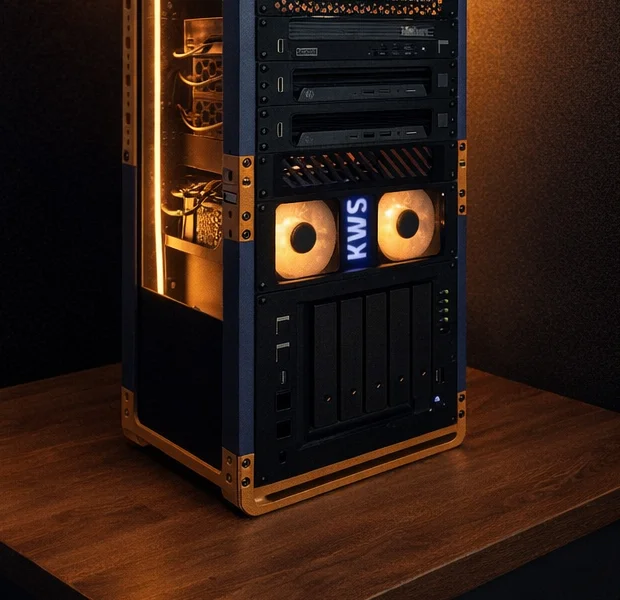
A printed rack is a beautiful home for your server, and the path includes an optional
physical-lab stage - but on day one, a shelf works just as well.
Do I need to know Linux to start?
No. You need technical curiosity and the willingness to run a command after it's been
explained to you in one sentence. The path teaches each concept exactly when you need it -
not in an intro lecture. If you've ever written code, managed a technical product, or
set up a smart home, you have more than enough.
What hardware do I need? How much does it cost?
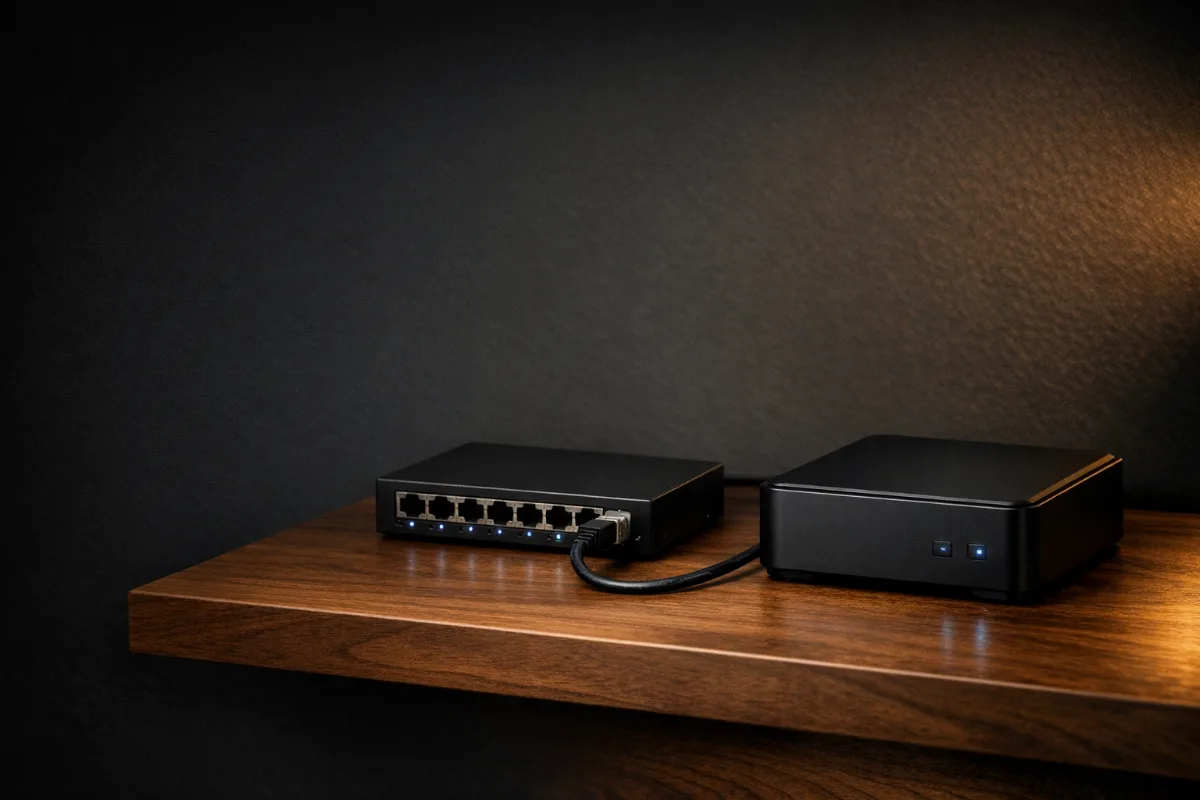
For most people: a used or new mini PC, or a computer already lying around.
The Blueprint questionnaire recommends a hardware path for your budget and goals -
including "don't buy anything yet, start with what you have". No hardware at all?
The supported start is still a machine at home - a low-cost used mini PC goes a long
way. This program builds a server in your home, so every lesson assumes a machine on
your own home network. A server closet is not required, promise.
Is building a home server safe if I'm a beginner?
It can be done calmly, and that's exactly how the path is built: every step is explained
before you run it, steps come in an order that makes sense, and each one ends with a
verification you can see. Risky or advanced actions are never treated casually - they
arrive only after the basics that make them sensible. We won't promise zero risk; these
are real systems, and you remain responsible for your own machine and data. The path's
job is to make sure you're never guessing.
Do I have to open my home to the internet?
No - and you don't have to reach it from outside at all. Stage 04 makes remote access
a real decision with two complete answers: home-network-only, where the dashboard and
apps stay reachable on your own network and nothing new is installed for access, or
private remote access through Tailscale, an encrypted route between your own devices
with no router ports opened. Home-network-only is a finished build, not a lesser one,
and remote access can be added later without redoing anything. Publishing a service to
the public internet is a third thing entirely: an optional later stage, meant only for
people who truly need it, and it comes with its own careful sequence.
What exactly is supported - and what isn't?
Full transparency, so you don't find out midway:
- Supported (a maintained, tested lesson and troubleshooting path): Ubuntu Server + Docker Compose; Proxmox VE as a host running one Debian/Ubuntu Docker VM; Tailscale; a curated app catalog; the recommended backup destinations. Hardware-specific quirks can still be best-effort.
- Best effort: existing laptops with quirks, Raspberry Pi, other Linux distros, Cloudflare Tunnel, apps outside the catalog.
- Not yet: Kubernetes, advanced VLANs, enterprise rack gear, TrueNAS or Unraid as the primary OS.
"Not yet" always means "not now, and here's why" - never a locked door without an explanation.
Who is this not for?
Better to say it here than after you sign up. This path isn't for you if:
- You want Kubernetes from day one
- You won't touch a terminal at all, even fully guided
- You're looking for a service that sets everything up for you
- You plan to expose services to the internet before backups and security exist
If one of those is you - you'd likely be disappointed, and we'd rather save us both the time.
Which AI tool do I need? Does it only work with Claude?
You need an AI assistant. A terminal coding agent - a tool such as Claude Code, Codex or Cursor that can
run commands and build alongside you - is the smoothest fit. A capable chat assistant
(like ChatGPT or Claude) also works: it advises while you execute the commands and
paste back what you see. You don't need to be an expert with either: an agent-readiness
check is the first thing on the path, and the prompt cards work in any capable assistant, not just one.
What language is the path in?
English. The lessons, the Blueprint and every prompt card are written in English -
most infrastructure documentation and error messages are English, so English prompts
keep everything in one language for your assistant. An earlier Hebrew edition exists
and may return later, but the path launches in English.
What happens when I get stuck?
Every stage has an escape lane: a Stuck Report template that produces an orderly failure
report - what you expected, what happened, and the relevant log with secrets stripped -
ready to paste into your agent. Getting stuck is part of learning;
staying stuck isn't.
And what if I break something?
Early in the path you build a backup and run a full restore drill - you break it on purpose
and bring it back. After that, a mistake isn't a disaster, just another lap of the loop.
Genuinely risky stages simply don't unlock before that safety net exists.